 ChatGPT Summary
Web pages
Summarize any web page in one click
What the extension does, how the panel works and which pages suit it best.
Thanks for using the extension. Here's a quick refresher on how it works, and where to find everything else on this site: the YouTube summarizer, the settings and our list of AI tools worth adding to Chrome.
Don't have it yet? Add ChatGPT Summary to Chrome for free. On the Chrome Web Store it's listed as “Summary Webpage”.
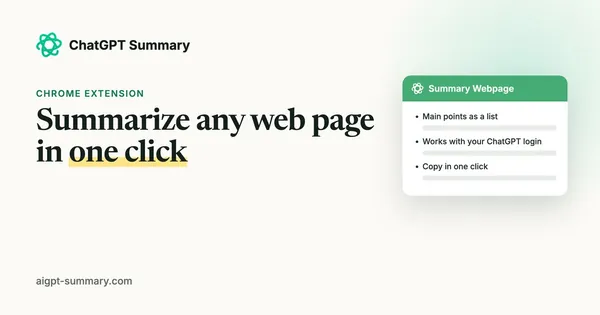
Illustration of the summary panel. Your result depends on the page and your prompt.
You can do this on the page you're already reading, with nothing to copy or paste.
A news story, a long blog post, a help page, a paper on arXiv. If the page has readable text, the extension can work with it.
Or press Ctrl+Shift+E (⌘+Shift+E on a Mac). The extension pulls the readable text from the page, leaving out menus, ads and footers.
A panel opens on the right with the summary. Copy it into your notes with one click, or close the panel and keep reading.
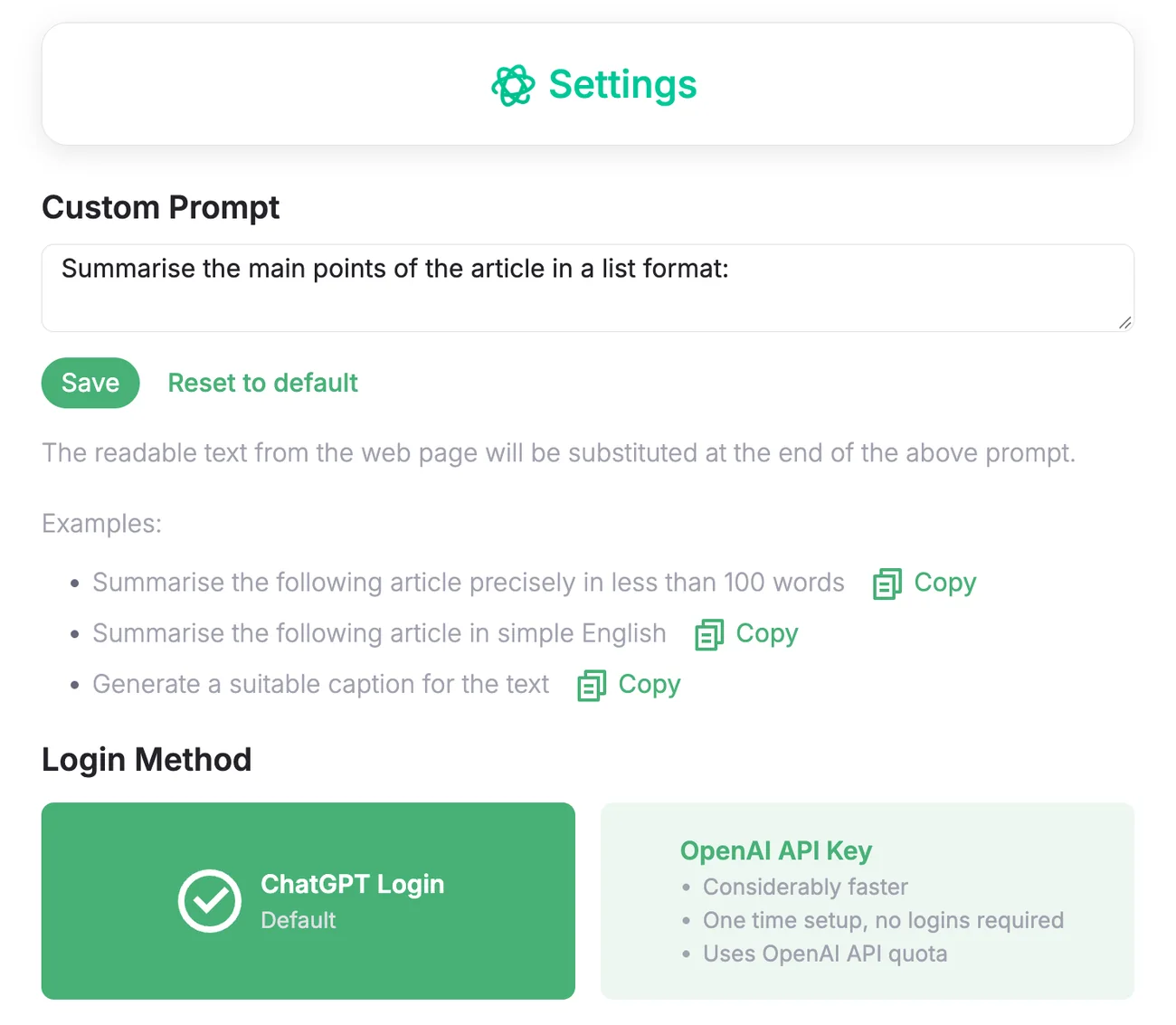
Two choices in the settings shape every summary: how the extension talks to ChatGPT, and the prompt it uses.
What the extension does, how the panel works and which pages suit it best.
Turn a video's transcript into a short list, with prompts that fit lectures, tutorials and podcasts.
Seven tools that make any AI chat more useful, and what each one is best at.
What the official Claude Chrome extension does, who can use it and how to keep it under control.
No extension needed: how to open Gemini in Chrome, who gets it and what it does with your tabs.
A full page screenshot as one PNG or PDF, so the AI sees the whole page, not one screen.
Your best prompts as shortcuts that work in ChatGPT, Claude, Gemini and any other text box.
Exact HEX colors and palettes from any site or image, for AI design and image prompts.
AI chats can't hear your tab. Name the song first, then ask the AI about it.
The extension reads the text of the page only when you ask for a summary and sends it straight to ChatGPT or the OpenAI API, depending on your settings. It doesn't keep the text or send it to our servers. The details are in the privacy policy.
Press Ctrl+Shift+E on any page with readable text. New here? The extension is free to add.