 ChatGPT Summary
AI tool
How to use ChatGPT summaries as context in Claude, Gemini and other chats
Summarize a page with ChatGPT, then use that summary as clean context in any other chat.
Home › Best AI tools › Text Blaze
If you use AI every day, you probably retype the same instructions over and over: "answer in a table", "keep it under 100 words", "act as an editor and fix only grammar". Text Blaze is a text expander that turns those into shortcuts. Type /sum and your full summary prompt appears in the box, whether that box belongs to ChatGPT, Claude, Gemini or anything else. It's the simplest way to build a ChatGPT prompt library that isn't tied to ChatGPT.
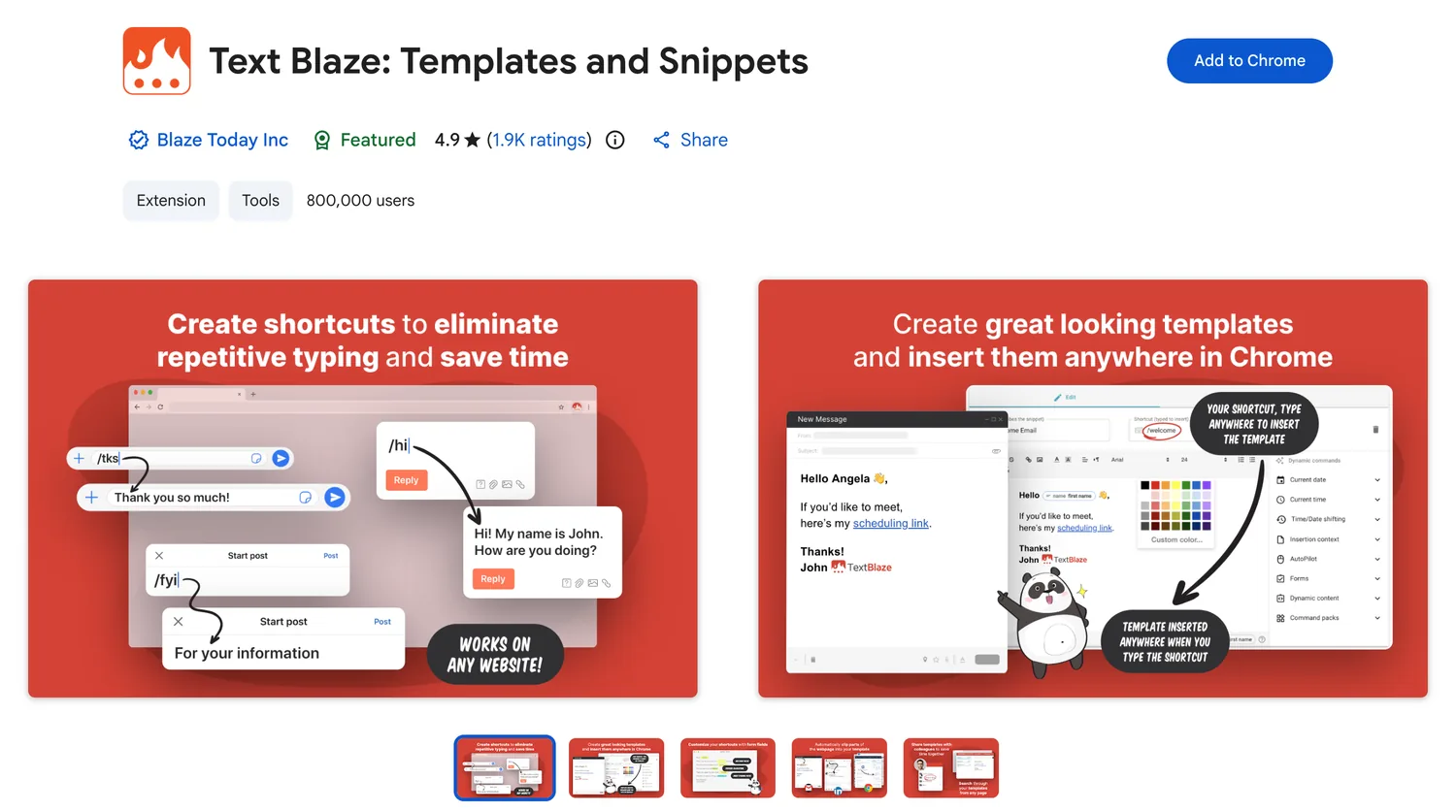
You save a piece of text as a snippet and give it a shortcut. When you type the shortcut in a text field, Text Blaze replaces it with the snippet. Snippets can be plain text or templates with fields you fill in each time, which is what makes them handy for prompts that change slightly from one use to the next.
Here are snippets we'd set up first. Each works the same in ChatGPT, Claude and Gemini, because to the chat it's just text you typed.
| Shortcut | Expands to |
|---|---|
/sum | Summarize the following in five bullet points, then one line on what's missing: |
/edit | Fix grammar and spelling only. Don't change my wording or tone: |
/tbl | Answer as a table with one row per option and a column for the downside of each. |
/src | For every claim, say whether it comes from the text I gave you or from your general knowledge. |
/eli | Explain this as if I'm new to the topic, with one concrete example. |
Two habits make a library like this last. Keep each snippet to one job, so you can combine them, and name shortcuts by what they do rather than by the tool you first used them in.
/sum.Blaze Today also makes AI Blaze, an AI writing and editing tool, and Data Blaze for tables. You don't need either to use snippets with your existing AI chat.
Text Blaze handles the instructions; you still need the material. A ChatGPT summary of the article gives you compact context to paste under a snippet like /src, and an online color picker gives you exact HEX codes to drop into design prompts.
Yes. It inserts text into the message box like any other text field, so it works in ChatGPT, Claude, Gemini and other web chats.
The extension is free to install and use for basic snippets. Blaze Today offers paid plans with more features.
They do different jobs. Custom instructions apply to every chat in one assistant. Snippets are prompts you choose per message, and they work in every assistant.
More tools that work with ChatGPT, Claude and Gemini.