 ChatGPT Summary
AI tool
Gemini in Chrome: how to use Google's built-in AI assistant
No extension needed: how to open Gemini in Chrome, who gets it and what it does with your tabs.
Home › Best AI tools › Claude in Chrome
Most AI assistants can read what you paste into them. Claude in Chrome goes a step further: it's Anthropic's official Claude Chrome extension, and it lets Claude read the page you're on, click, type, navigate and fill in forms while you watch from a side panel. It's the closest thing on this list to handing the browser to an assistant.
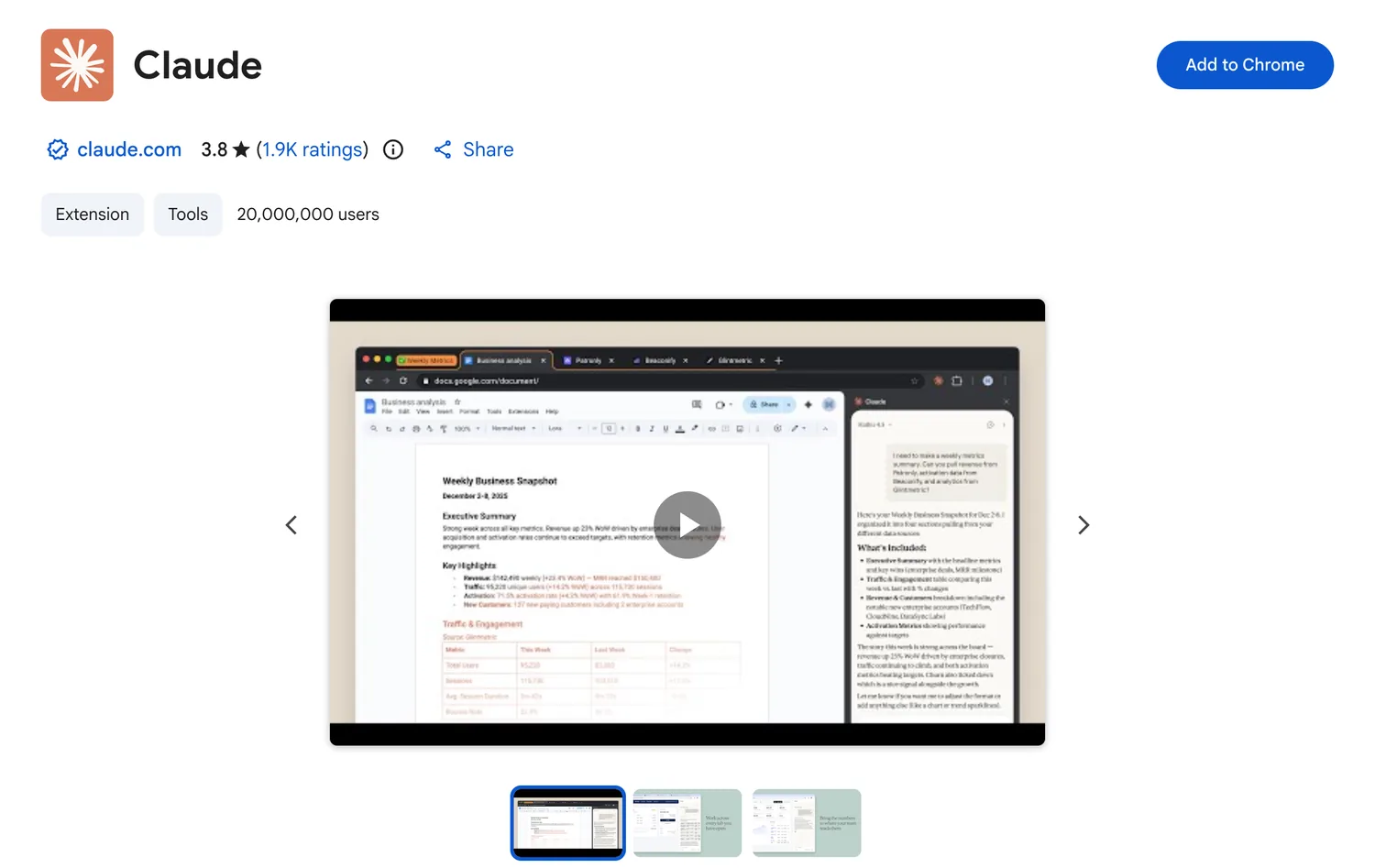
According to Anthropic's help center (checked October 2026), the extension can:
It isn't supported in other Chromium-based browsers or on mobile, and it needs a paid plan. On Team and Enterprise plans, admins can switch it on or off and set lists of allowed and blocked sites.
An assistant that can click buttons can also click the wrong one. By default the side panel uses a mode Anthropic calls "Automatically approve": Claude goes ahead with routine actions on its own, runs a safety check on each one, and stops to ask you when that check says approval is needed. You can switch to a mode that asks more often, and the panel remembers your choice. Anthropic itself describes browser use as still carrying risk, so for anything involving payments, personal data or account settings, ask it to stop and check with you first.
Claude in Chrome is strong when it can act. For reading, two small tools from our list save tokens and time. A ChatGPT summary of the page gives you the main points before you decide whether a task is worth handing over. And when you want Claude to see a long page exactly as it looks, a full page screenshot saved as an image or PDF can go straight into the chat as a file.
No. The extension is free to install, but it works only with paid Claude plans: Pro, Max, Team and Enterprise.
No. Anthropic supports it in Google Chrome only, not in other Chromium-based browsers.
Yes. It can type into fields, click and navigate. You stay in control through the approval settings in the side panel.
Yes. Drag tabs into Claude's tab group and it can read and act on all of them in one task.
Claude in Chrome can read and summarize the page you're on. If you only need quick summaries and want a free option, a summarizer like ChatGPT Summary does that one job with one click.
More tools that work with Claude, ChatGPT and Gemini.