 ChatGPT Summary
Works with AI
Color Picker for AI prompts: exact HEX colors and palettes for ChatGPT
Exact HEX colors and palettes from any site or image, for AI design and image prompts.
Home › Best AI tools › Music Identifier
You can ask an AI chat almost anything about a song: what it's about, what to listen to next, how to play it. What you can't do is ask it "what's this song?" while a video plays in another tab, because a chat window can't hear your tab. Music Identifier, a free music identifier extension, fills that gap. It listens to the audio playing in the current tab and tells you the title and artist, and the conversation with your AI can start from there.
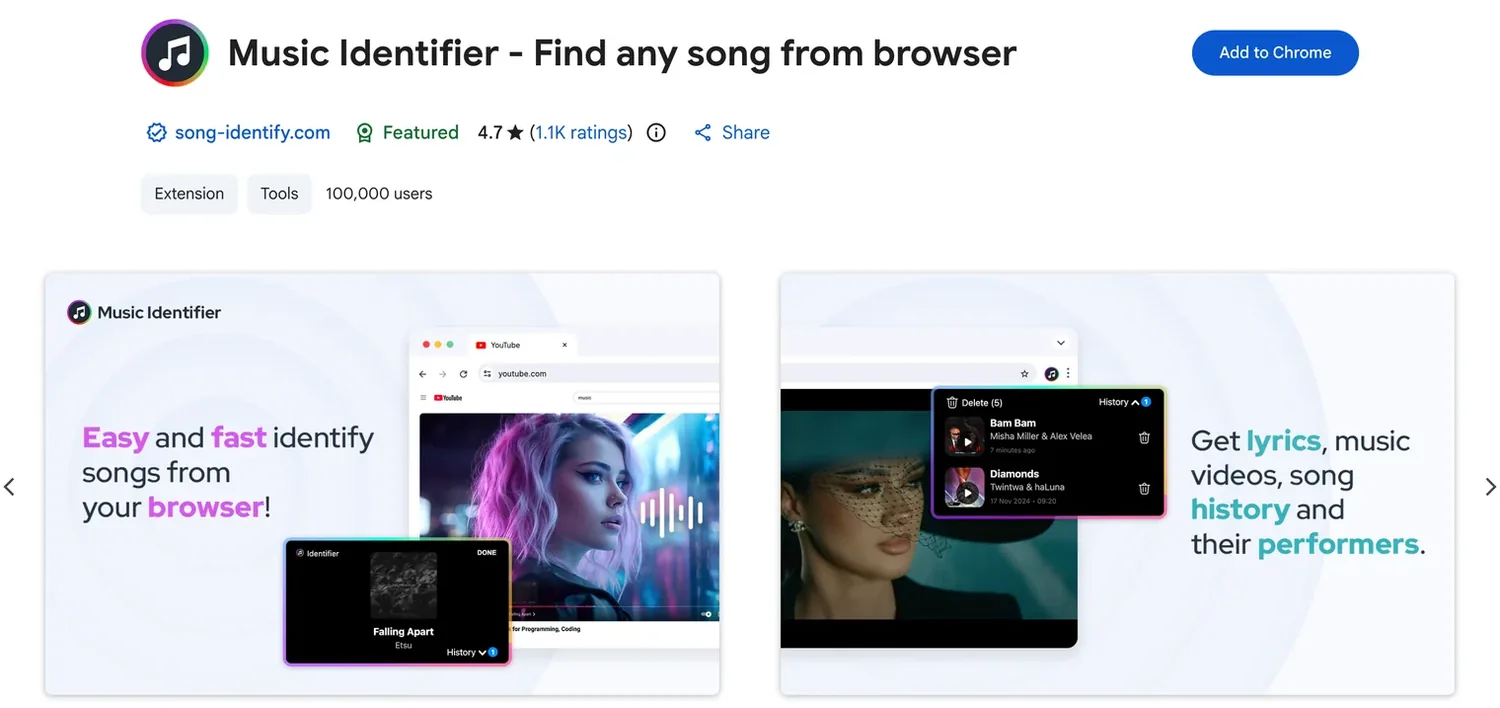
Once you have the exact title and artist, an AI chat becomes genuinely useful, because it's no longer guessing which song you mean. Prompts we like:
For facts the AI might get wrong, like tempo and key, measure them instead: song-identify.com has a free BPM detector and key detector that run on an audio file in your browser.
Not from audio playing in your browser, because it can't hear your tab. If you remember lyrics, it can try to guess from those. For audio, use a song identifier first, then ask ChatGPT about the result.
Play the video and click Music Identifier. It identifies the music from the tab's audio and shows the title and artist. If you want the gist of the video itself, a YouTube video summary covers that.
Try a section where the music is clear and loud, without talking over it. Sped-up edits and remixes are the most common reason a clip doesn't match.
Name the song, then let the AI take it from there.